
5 Signs It's Time to Rebuild Your Website
A single slow page can usually be fixed. Multiple stacked problems, slow load, poor mobile experience, no schema, content changes requiring a developer, usually mean the underlying platform itself is the constraint, and a rebuild pays back faster than patching around it.
The 5 signs
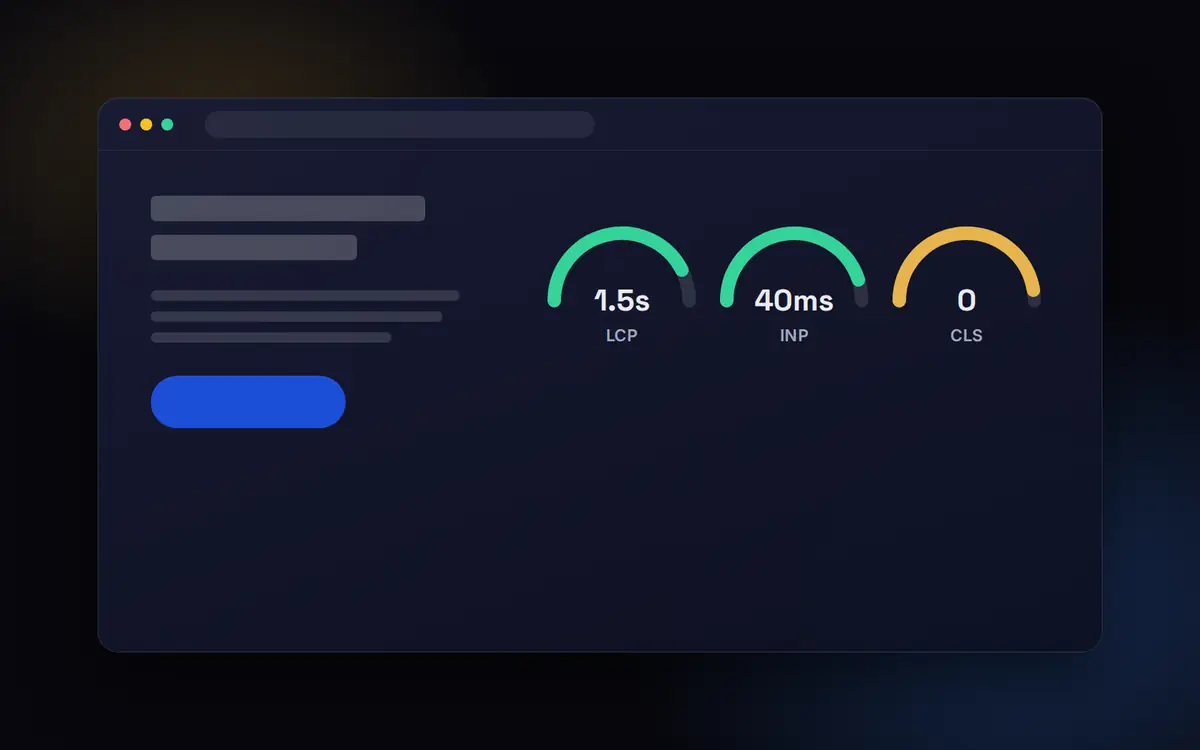
- Core Web Vitals consistently failing across most pages, not just one
- Marketing can't update copy without a developer
- Mobile experience breaks or requires zoom/pinch to use
- No schema markup anywhere on the site
- The platform can't support planned growth (new pages, integrations, locales)
Rebuilding without losing SEO equity
The risk in a rebuild isn't the new site, it's the migration: broken redirects, changed URLs and lost internal links can tank rankings that took months to earn. A rebuild done with a redirect map and URL-preservation plan carries almost no ranking risk.
Patch or rebuild?
Every site accumulates problems. The question is whether they are problems with pages or problems with the platform. Page problems can be fixed one by one. Platform problems, such as a theme that cannot be made fast, a CMS nobody can edit or a JavaScript framework that hides content from crawlers, keep coming back however many patches you apply.
What the evidence says about the cost of a slow, fragile site
- Rakuten 24 saw 33% more conversions and 53% more revenue per visitor after improving Core Web Vitals (web.dev, Rakuten 24 case study)
- The Economic Times reduced bounce rate by 43% after cutting LCP from 4.5 to 2.5 seconds (web.dev, The Economic Times case study)
- Pinterest cut perceived wait time by 40% and saw SEO traffic and sign-ups rise 15% each (Pinterest Engineering)
If your site cannot reach those kinds of improvements without fighting the platform, a rebuild usually pays for itself.
A simple test
- Can your marketing team publish a new landing page without a developer? If not, the CMS is costing you campaigns
- Does the page source contain your content, or only scripts? If only scripts, crawlers and AI tools may not see it
- Do your key templates pass Core Web Vitals on mobile (web.dev: Web Vitals)? If not after reasonable optimisation, the platform is the constraint
- Is the site secure, supported and updated? Unsupported plugins and themes are a risk on their own
Plan the migration before the design. Most rebuilds that lose traffic do so because old URLs were not redirected properly, not because the new site was worse.
What to do this week
Run the four checks above on your five most important templates. If three or more fail, get a rebuild scoped. See web development and static versus dynamic sites.