
5 Signs Your Website Has a Technical SEO Problem
Great content on unindexed or slow pages never ranks. The most common technical SEO problems are indexing gaps, slow Core Web Vitals, missing schema, broken internal linking, and duplicate content, all fixable without a full site rebuild, typically within 1-2 weeks.
The 5 signs to check
- Pages missing from Google's index, checked via Search Console's Pages report
- Slow Core Web Vitals, particularly Largest Contentful Paint over 2.5 seconds
- No structured data on pages that should carry FAQ, Article or Product schema
- Orphaned pages with no internal links pointing to them
- Duplicate or thin content across near-identical pages competing with each other
Why these matter more than content quality
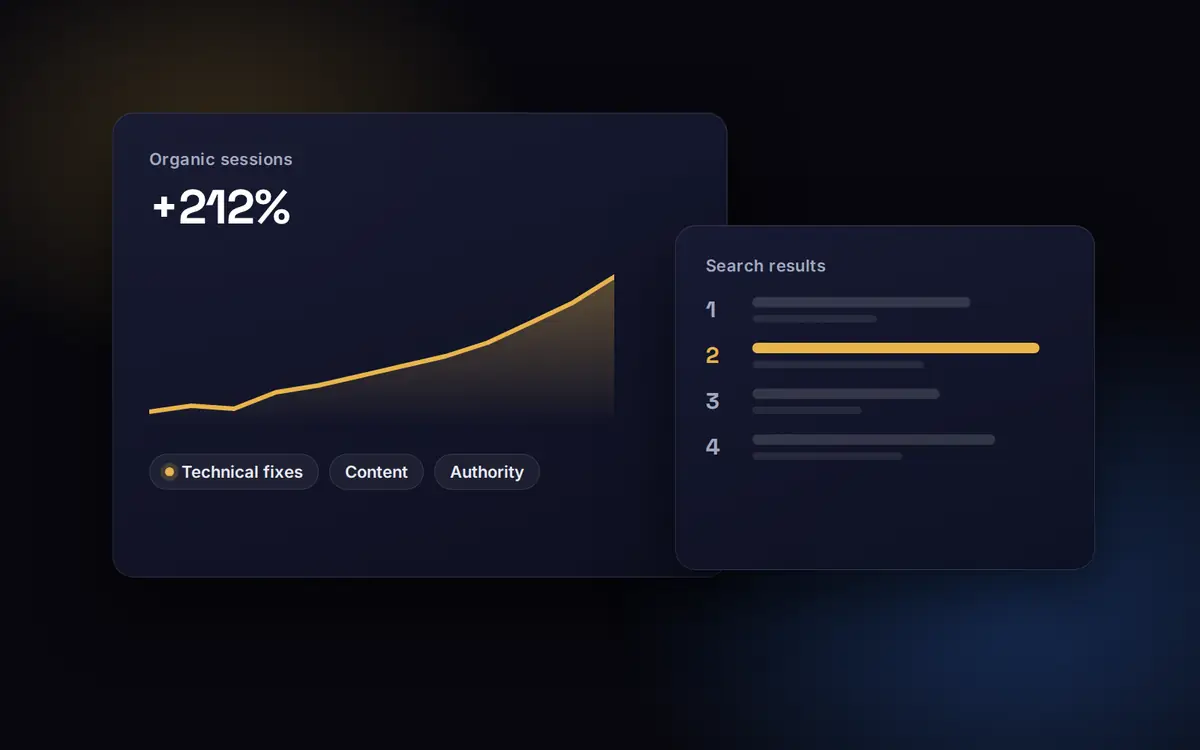
Content quality is irrelevant if Google can't index the page, load it fast enough, or understand its structure. Technical fixes should always come before a content push, since new content built on a broken technical foundation inherits the same ranking ceiling.
Why technical problems hide so well
Technical SEO problems rarely announce themselves. The site looks fine in a browser, the team keeps publishing, and traffic simply stops growing. The damage shows up in the gap between what you publish and what Google actually indexes and ranks.
What the public evidence says
Speed and stability problems are not just SEO issues. The Economic Times cut Largest Contentful Paint from 4.5 to 2.5 seconds and saw its bounce rate fall by 43% (web.dev, The Economic Times case study). Vodafone improved LCP by 31% and saw 8% more sales (web.dev, Vodafone case study). Google's own Web Vitals guidance sets 2.5 seconds as the threshold for a good LCP (web.dev: Web Vitals).
Rendering is the sign most businesses miss. If your content only appears after JavaScript runs, some crawlers see a thin or empty page. Many AI crawlers do not run JavaScript at all, so client-rendered content can be invisible to them.
A quick self-check
- In Search Console, compare submitted pages with indexed pages. A big gap is sign one
- Run your key templates through PageSpeed Insights on mobile. Red Core Web Vitals is sign two
- View the page source (not the inspected DOM) and search for a sentence from the page. If it is missing, you have a rendering problem
- Look for pages with no internal links pointing to them. Orphans rarely rank
- Search for your own page titles. Duplicates and near-duplicates competing with each other are a common ceiling
The PrepLadder engagement started with exactly this kind of check. Roughly 30% of course pages were not being indexed because of a JavaScript template. Fixing it was central to 3.4X revenue growth.
What to do next
Fix indexing and rendering before anything else, because every other improvement depends on Google seeing the page. Then speed, then internal links and duplicates. Our list of ten common technical issues goes into more detail.